Power BI Engineering for Enterprise Analytics
AlphaBOLD helps organizations deploy Power BI and Microsoft Fabric correctly across their data estate. The focus is on architecture, performance, and operational scale; not training or visualization alone.
Ensuring all the right technical checks
From integrating Power BI with enterprise systems via APIs and pipelines to resolving slow refresh, heavy models, and query bottlenecks, we handle the technical layer that keeps analytics reliable.
As a Microsoft Solutions Partner, AlphaBOLD helps businesses engineer how data moves across teams, functions, and systems. While anyone can build dashboards, our Power BI & Fabric Consulting team focuses on the architectural foundation, ensuring analytics are scalable, secure, and future-ready not just functional. We work with enterprises across industries and cater to the needs of:
- BI & Analytics Teams
- Data Engineering Teams
- Platform & IT Teams
- CTO / CIO / CDO Office

Common & Not-so-Common Scenarios
Dashboards refresh slowly or fail due to model constraints
Embedded analytics require APIs, governance, or multi-tenant setups
CRM/ERP systems need structured integration into BI models
Security & access controls require RLS/OLS/CLS implementation
DAX performance impacts query speed and user experience
Power BI must align with Fabric or Azure analytics strategy
What We Do

Setup & Deployment
Engineering Power BI environments for secure, governed, and scalable deployment.
Capabilities include:
- Gateway deployment & configuration
- Embedded deployments with security
- Tenant setup & workspace strategy
- Capacity planning & DirectQuery tuning
- API & DevOps deployment pipelines

Modeling & Architecture
Designing data models that support performance, reuse, and cross-team consistency.
Capabilities include:
- Star / Snowflake schema design
- Semantic model development
- SSAS Tabular & Fabric semantic modeling
- DAX tuning & calculation groups
- Incremental refresh strategy
- Composite model configuration

Integration & Connectivity
Connecting operational and analytical systems with accuracy and reliability.
Supported integrations include:
- SQL Server, Synapse, Snowflake
- Dataflows Gen2, OneLake, Lakehouse
- Dataverse / Dynamics 365 / Business Central
- NetSuite / Salesforce / ServiceNow
- SharePoint / Excel / APIs
- Fabric pipelines for ingestion & transformation

Performance & Optimization
Improving speed, refresh behavior, and overall query responsiveness.
Typical optimization areas:
- Slow dashboard troubleshooting
- Partitioning + incremental refresh tuning
- DirectQuery performance improvements
- DAX and model optimization
- Capacity load analysis (Premium / Fabric)
- Composite model enhancements

Governance & Security
Implementing secure, compliant, and controlled analytics environments.
Capabilities include:
- Row-level, object-level, column-level security (RLS/OLS/CLS)
- Workspace & permission governance
- Deployment pipelines & DevOps alignment
- Usage auditing & lineage validation
- Fabric security & Purview alignment
Fabric Readiness & Adoption
- Tenant & workspace planning
- OneLake data organization
- Lakehouse & Warehouse modeling
- Semantic model alignment
- Pipeline architecture (Dataflows Gen2)
- Capacity scaling & governance
- Cost modeling & workload planning

What Kind of Support You Can Get

ERP & CRM Systems
- Dynamics 365/ Business Central
- NetSuite
- Salesforce
- SAP (via connectors)
- ServiceNow

Data Platforms
- SQL Server /Synapse
- Snowflake
- Databricks
- OneLake / Lakehouse
- Dataflows Gen2
- Azure Storage / ADLS

DevOps & Security
- Azure AD
- DevOps pipelines
- GitHub actions
- Purview lineage
Let Power BI Do It's Thing
Access your data sorted, mapped and updated with accuracy, precision, and speed.
- Self-service dashboards that replace manual reporting.
- Drill-down filtration that surfaces trends instantly. instantly.
- Automated reporting with incremental refresh.
- AI-driven insights that detect trends, risks, and anomalies automatically.
- One-click access to ERP, CRM, and other third part tools.
- Consistent, governed data aligned across teams.


Ways to Engage
- Modular services that match BI & DE maturity
- Microsoft partner with Fabric alignment
- Deep integration across ERP/CRM platforms
- Strong modeling + governance focus
- Technical delivery over dashboard design
- Works with internal IT/DE/BI teams to enable them
Automate Reporting Across the Business
From scheduled refreshes to automated workflows and connected dashboards, AlphaBOLD helps teams eliminate manual reporting. Set up Power BI to deliver insights on its own in an accurate, timely, and always accessible.

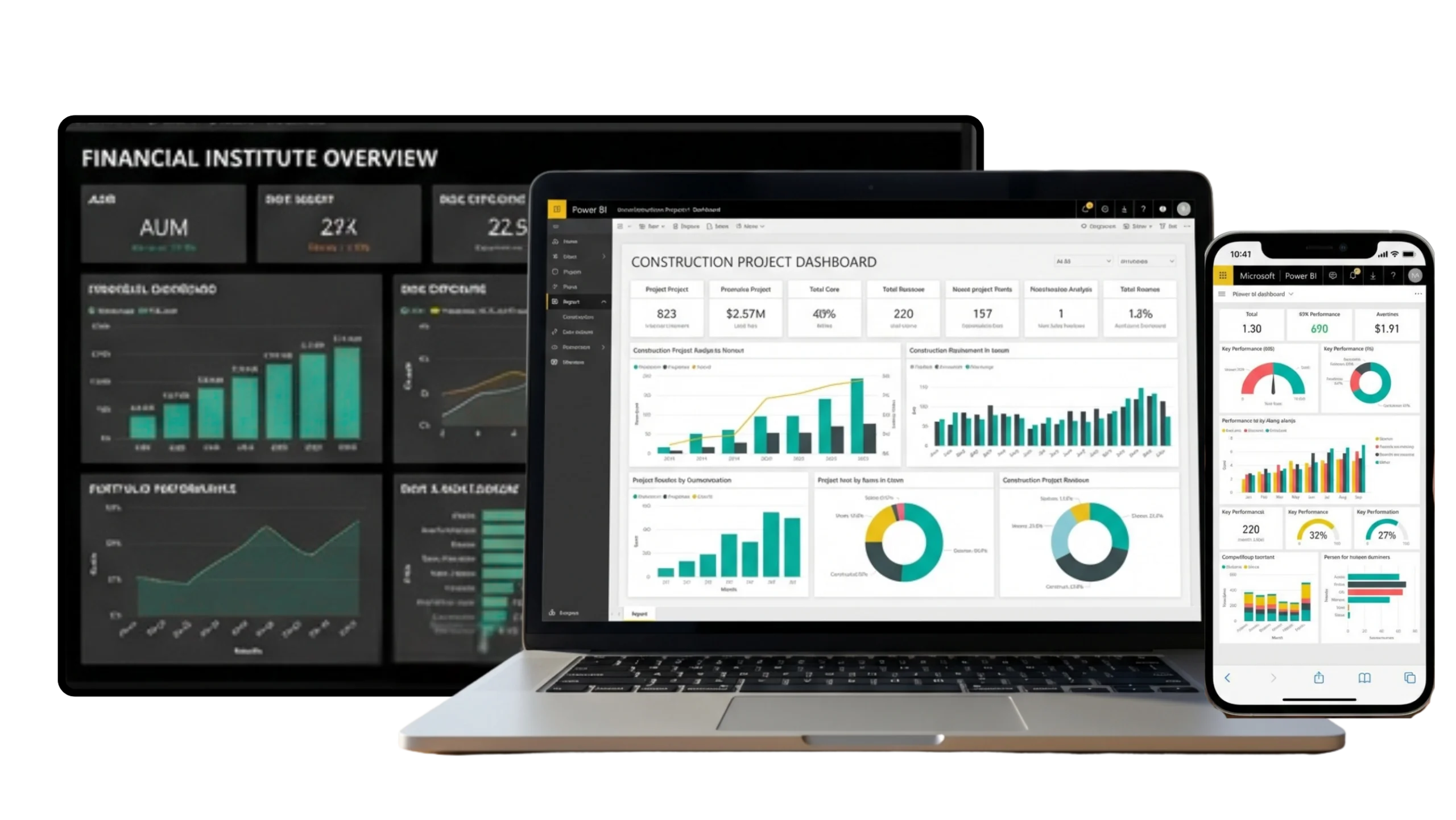
Industry-Specific Power BI Reporting
Accurate Reports in Live View Across All Data Sources
CONSTRUCTION
MANUFACTURING
FINANCIAL INSTITUTES
RETAIL
HEALTHCARE
ENERGY & WASTE MANAGEMENT
Power BI Integrations


Power BI Pricing, Licensing & Selection Process
Choosing the right license isn’t just a budgeting decision, it’s a strategy. With rising global prices and evolving plans, it matters to pick the model that fits your business size, data needs, and growth goals.

POWER BI PRO
- Self-service analytics in the cloud
- Build, publish, and share dashboards securely
- Managed entirely by Microsoft
- Best for small to mid-size organizations

POWER BI PREMIUM
- Handles large data volumes with high performance
- AI-driven insights and advanced admin controls
- Cloud + on-premises flexibility
- Ideal for enterprise-scale analytics
$14 per user/ month
$24 per user/ month
Get Clarity on Power BI Pricing
Power BI licensing can get confusing with multiple options to choose from including Pro, Premium, capacity-based, user-based, and add-ons.
AlphaBOLD reviews your usage, team structure, and reporting needs to recommend the most cost-effective licensing plan for your organization.

Power BI Development Done Right
We’ve got you technically covered.
Configuration & Optimization

- Power BI embedded setup
- Power BI gateway setup
- Power BI report setup
- Power BI performance tuning
- Power BI data refresh management
Data Modeling & Architecture

- Star & snowflake schema modeling
- Composite model setup
- Semantic model design
- Data modeling optimization
- Relationship mapping
Analytics & Integrations

- Predictive modeling
- Regression analysis
- Machine learning integration
- Forecasting models
- Custom API integrations
- R & Python analytics


Need custom dashboards or automated data flows?
AlphaBOLD, a Microsoft Partner, delivers consulting services across business applications and cloud environments — including assessment, implementation, optimization, and support. The team specializes in connecting Microsoft technologies such as Power BI, Dynamics 365, and Azure, along with third-party systems, to create unified, data-driven environments.
Every Power BI deployment is designed with scalability, performance, and usability in mind — ensuring clean data flows, optimized models, and dashboards that remain efficient as business needs evolve.
Power BI Custom Dashboard Development
With market dynamics, inter-organizational dependencies, and technological advancement defining timing as the key factor, the role of consolidated and live data insights is no longer a choice. Departments need them to monitor performance, while executives rely on them to make strategic decisions at the macro level.
Our team of Power BI functional consultants works in close collaboration with your business units to design interactive dashboards, department-specific reports, and unified data models that ensure every decision is backed by timely, accurate insights.
Finance
Track budgets, expenses, and profitability through real-time financial dashboards.
Sales
Visualize sales performance, forecast accuracy, and pipeline progress effortlessly.
Ops & PM
Monitor project costs, utilization, and delivery efficiency across teams.
Supply Chain
Optimize stock levels, vendor performance, and order fulfillment timelines.

Executive Level
Access unified KPIs and insights to guide strategic business decisions.

Independent Yet Connected
While Microsoft Fabric and Power BI work well together, they don’t have to come as a package. AlphaBOLD’s consulting services are structured to meet organizations where they are — whether that means optimizing existing Power BI environments, building scalable data models, or implementing Fabric for stronger data management.

Each service can stand on its own or be integrated later as part of a broader analytics roadmap. The goal is to create value based on current needs, not force a complete platform adoption before it’s required.
Choose what fits your current setup.
Power BI and Microsoft Fabric complement each other, but they don’t have to be implemented together.
Grow on your own timeline.
These tool work independently and can be integrated as part of a broader strategy.
Flexible consulting, not bundled tools.
AlphaBOLD helps organizations enhance their analytics journey at any stage — whether it’s optimizing Power BI dashboards, improving data refresh performance, or setting up Fabric for unified data management.
KEY CONSIDERATIONS FOR
Building, Customizing & Scaling Your BI
Who We Are
AlphaBOLD, as a Microsoft Partner, brings extensive expertise across business applications and cloud technologies by covering every stage from assessment and implementation to optimization and ongoing support. The team understands how to align Microsoft solutions with real business needs, whether that means deploying Power BI as a standalone analytics tool or integrating it with Dynamics 365, Azure, or third-party systems for a unified data ecosystem.
What We Do
We guide you through the complete Power BI journey — from connecting your data to creating reports that drive business outcomes.
migration
Bring data from multiple systems into one source of truth.
Build reports that tell your story — not just show numbers.
Keep your data secure, accurate, and ready for growth.
Improve refresh speed, model performance, and report usability.
How We Do It
We guide you through the complete Power BI journey — from connecting your data to creating reports that drive business outcomes.
Audit existing data sources, tools, and reporting workflows.
Connect systems, clean data, and design tailored dashboards.
Migrate data, set up integrations, build dashboards.
Test, optimize, and train your team for long-term success.
Document solution, train roles, plan for growth and added features.