Microsoft 365 Consulting Services for Enterprise Collaboration
What Is Microsoft 365 Consulting and How Does It Improve Enterprise Collaboration?
Microsoft 365 consulting helps organizations plan, deploy, and optimize Microsoft Teams, SharePoint, and Office 365 across the business. These services support enterprise collaboration by improving communication, organizing information, and creating connected work environments where teams can:
- Improve communication between teams, departments, and project groups.
- Connect collaboration tools into a single, easy-to-use digital workplace.
- Strengthen document management and intranet experiences across the enterprise.
- Increase workflow efficiency with integrated apps and automated processes.
- Enhance security and data governance within Microsoft 365 environments.
- Support hybrid work by standardizing collaboration across devices and locations.

SharePoint Intranet: The Foundation of Enterprise Collaboration

Microsoft 365 Collaboration Services
Microsoft 365 Consulting
Office 365 Consulting
Microsoft Teams Consulting
SharePoint Intranet Consulting
Microsoft 365 Copilot for Collaboration
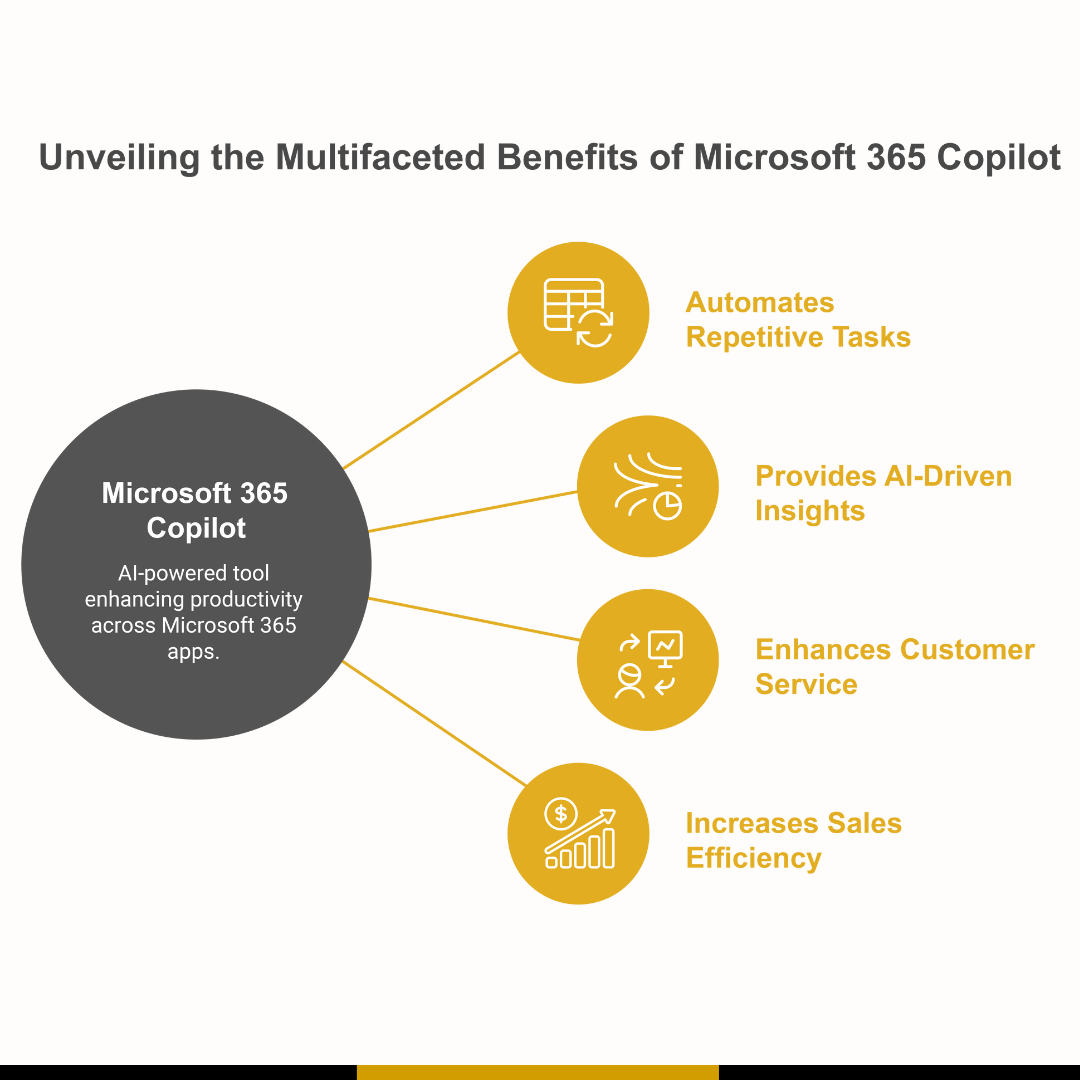
Microsoft 365 Copilot improves workplace collaboration by helping teams summarize content, draft communications, locate information, and manage tasks across Teams, SharePoint, Outlook, and OneDrive. AlphaBOLD helps organizations apply Copilot to collaboration scenarios, ensuring secure deployment, responsible data access, and meaningful productivity gains within Microsoft 365.

Tailored Technology Solutions for Your Business Needs
AlphaBOLD delivers industry-specific solutions powered by AI, automation, and deep technology expertise. From Microsoft Consulting Services to NetSuite professional services, our innovations optimize business processes, streamline operations, and drive measurable results. Explore our proprietary IP solutions designed to solve complex business challenges efficiently
- BOLDParser
- BOLDDocument Generator
- BOLDArchival Service
BOLDParser

BOLDDocument Generator

BOLDArchival Service
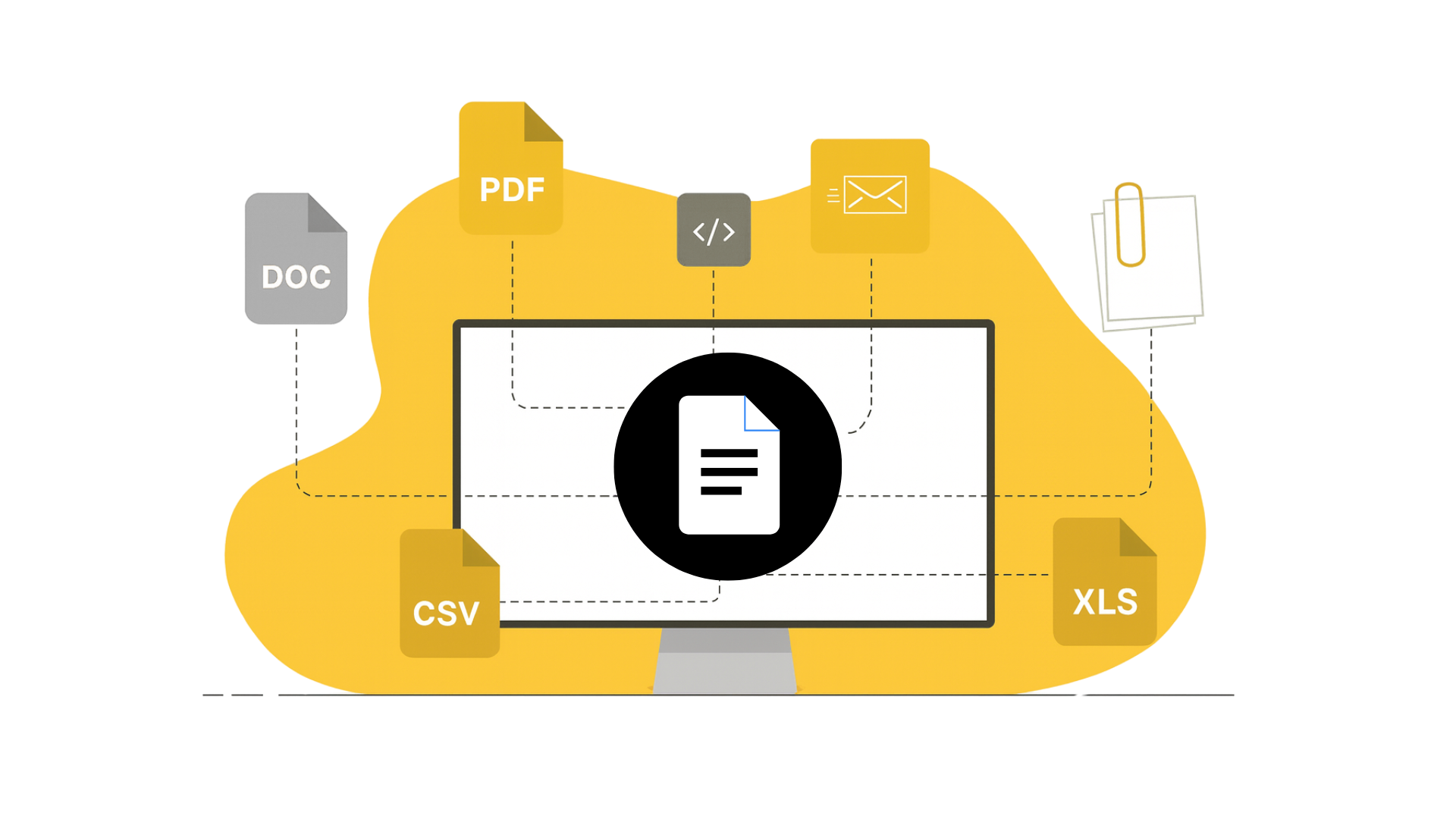
BOLDArchival Service simplifies document lifecycle management by connecting CRM, ERP, and cloud applications with SharePoint, Dropbox, and Google Drive. It supports secure file archiving, reduces storage costs, and improves access to historical content used by teams across the organization.
Successful Microsoft 365 Enterprise-Focused Implementations
Challenges
Solution
Impact
- Convoluted loan cycle   Â
- Disintegrated and manual document processing pipeline
- Complicated business data access caused delays in processes
- Inefficient and insecure data management processes meant that company data was vulnerable
- Spent a chunk of their daily hours responding to emails, collaborating back and forth, and trying to track communication
- Implemented Dynamics 365 as a one-stop-information portal for all customer-related data while analyzing all data to generate reports quickly and improve the overall customer journey
- Utilizing SharePoint, Outlook Integration, and Dynamics 365 to create an automated document flow
- Addressed field security concerns by setting access restrictions based on employee roles
- Created a solution that enhances sales processes by providing more visibility and streamlining document flow through automation
- Utilized SharePoint, Dynamics365, and Outlook Integration to easily track communication across the sales cycle, saving them time, energy, and resources
- Track streamlined customer journey from the opportunity to close phase   

Challenges
- Convoluted loan cycle   Â
- Disintegrated and manual document processing pipeline
- Complicated business data access caused delays in processes
- Inefficient and insecure data management processes meant that company data was vulnerable
- Spent a chunk of their daily hours responding to emails, collaborating back and forth, and trying to track communication
Solution
- Implemented Dynamics 365 as a one-stop-information portal for all customer-related data while analyzing all data to generate reports quickly and improve the overall customer journey
- Utilizing SharePoint, Outlook Integration, and Dynamics 365 to create an automated document flow
- Addressed field security concerns by setting access restrictions based on employee roles
Impact
- Created a solution that enhances sales processes by providing more visibility and streamlining document flow through automation
- Utilized SharePoint, Dynamics365, and Outlook Integration to easily track communication across the sales cycle, saving them time, energy, and resources
- Track streamlined customer journey from the opportunity to close phase   
Challenges
Solution
Impact
- Struggled due to spread-out business operations and massive amounts of incoming data      Â
- Experienced disparate cross-communication processes 
- Lacked cohesive measures to share updates across departments and regions
- Scattered client information across different storage locations
- Created a fully functional SharePoint Intranet portal     
- Utilized SharePoint web parts to allow easy resource access 
- Redesigned information architecture to streamline document management across multiple departments
- Created different departmental sites on the intranet portal 
- Information and data were now secure and readily available 
- User-friendly and secure document and data management   
- Improved collaboration between various departments and regional teams 
- Workflows ensured that no unnecessary information was shared with unrelated parties  

Challenges
- Struggled due to spread-out business operations and massive amounts of incoming data      Â
- Experienced disparate cross-communication processes 
- Lacked cohesive measures to share updates across departments and regions
- Scattered client information across different storage locations
Solution
- Created a fully functional SharePoint Intranet portal     
- Utilized SharePoint web parts to allow easy resource access 
- Redesigned information architecture to streamline document management across multiple departments
- Created different departmental sites on the intranet portal 
Impact
- Information and data were now secure and readily available 
- User-friendly and secure document and data management   
- Improved collaboration between various departments and regional teams 
- Workflows ensured that no unnecessary information was shared with unrelated parties  
Enterprise Collaboration with the Microsoft Ecosystem

The Microsoft ecosystem enables organizations to:
- Centralize communication and teamwork through Microsoft Teams.
- Manage content and intranet experiences with SharePoint.
- Improve decision making with Power BI insights across departments.
- Connect business processes through Dynamics 365 applications.
- Support cross-app workflows inside Microsoft 365 and Office 365.
- Build consistent, scalable collaboration experiences across the organization.
Strengthen Enterprise Collaboration with the Right Microsoft 365 Strategy
FAQs
Browse the Blogs
Explore our insightful blog for thought leadership, industry trends, and practical tips to unlock the full potential of your technology investments.