POS Integration Using Power Platform and Azure API Management

Table of Contents
Introduction
For many retail and hospitality organizations, Point-of-Sale or POS integration issues do not surface as “technical problems.” They surface as inventory inaccuracies, delayed financial close, inconsistent pricing, compliance exposure, and frustrated frontline teams. By the time leadership becomes aware, the damage is already operational.
Industry research consistently shows that integration fragility is one of the top hidden cost drivers in distributed retail environments. Gartner has repeatedly highlighted that tightly coupled integrations and unmanaged APIs significantly increase outage risk and change failure rates, especially in high-transaction systems like POS.
The stakes are significant: 80% of organizations faced between one and ten supply chain disruptions over the past 12 months, with each disruption potentially eroding annual revenue by 6–10% (BCI Supply Chain Resilience Report 2024). For distributed POS environments, this risk is compounded by every unmanaged integration point.
This blog explains why poorly governed POS integrations fail at scale and how a deliberate architecture, utilizing Azure API Management and Power Platform, addresses the operational, security, and governance risks that decision-makers prioritize.
Why POS Integrations Break Down at Scale
Traditionally, POS integrations were implemented as point-to-point connections. The POS system would communicate directly with one downstream system, which in turn would connect to another, and so on. While this approach may work in early stages, it introduces structural fragility as transaction volumes, stores, and connected systems increase.
Over time, this pattern leads to:
- Tightly coupled systems, where a change in one application impacts multiple downstream dependencies.
- Growing maintenance and upgrade complexity, increasing the cost and risk of routine changes.
- Exposed endpoints, expanding the security attack surface.
- Limited visibility into failures and performance, making root-cause analysis difficult.
Each time a POS vendor updates their API or a downstream system makes a change, everything stops working. The developers and system analysts have to keep the application up and running instead of working on new features.
The cost is measurable: 45% of API integration projects with e-commerce platforms increased between 2023–2025, underscoring how rapidly the integration surface is growing for retail organizations. Without a governed integration layer, this growth accelerates risk rather than capability.
Introducing a deliberate integration layer addresses this risk directly. This is where Azure API Management and Power Platform together provide a controlled, scalable foundation.
Assess Your Current POS Integration Architecture
Schedule a technical review with AlphaBOLD to identify governance gaps, reduce outage risk, and create a roadmap for a controlled, reliable POS API layer.
Request a ConsultationHow Does APIM Protect and Scale POS Integrations?
Azure API Management (APIM) acts as a strategic control layer between POS systems and enterprise backends. Rather than simply exposing backend services or Power Platform flows, APIM enforces governance, security, and operational oversight, reducing risk and improving resilience across high-volume retail operations.
Key capabilities and their business impact:
- Security and Compliance: OAuth 2.0, API keys, IP filtering, and rate limiting protect sensitive transactional data, reduce breach risk, and help meet regulatory requirements.
- Operational Abstraction: POS systems can interact with standardized APIs without needing to understand backend complexities, minimizing the risk of errors and misconfigurations.
- Consistency Across Channels: Standard API contracts ensure that backend changes do not disrupt store operations, pricing rules, or loyalty programs.
- Monitoring and Logging: Full visibility into API usage, failures, and performance enables proactive decision-making and faster incident resolution.
- Versioning and Lifecycle Management: APIs evolve safely, allowing updates or new services without breaking existing integrations, supporting business growth and digital expansion.
For POS systems processing hundreds or thousands of transactions per hour, these capabilities are not optional. Over 65% of enterprises have now implemented cloud-based inventory and integration solutions to enhance visibility and accuracy, demonstrating that a governed API layer is an industry standard, not a competitive differentiator.
What Power Platform Brings to POS Integration Success
Power Platform (comprising Power Automate, Power Apps, Dataverse, and Power BI) is usually less valued than it’s worth in integration scenarios. Although it is popularly known as a low-code app, its orchestration and business logic layer power is surprisingly much more impenetrable.
Power Platform, in the context of POS integration, can:
- Trigger workflows based on POS events
- Implement business rules without code redeployment
- Utilize connector-based access for Microsoft and non-Microsoft systems
- Store either transactional data or reference data in Dataverse
- Provide insights through the use of Power BI dashboards
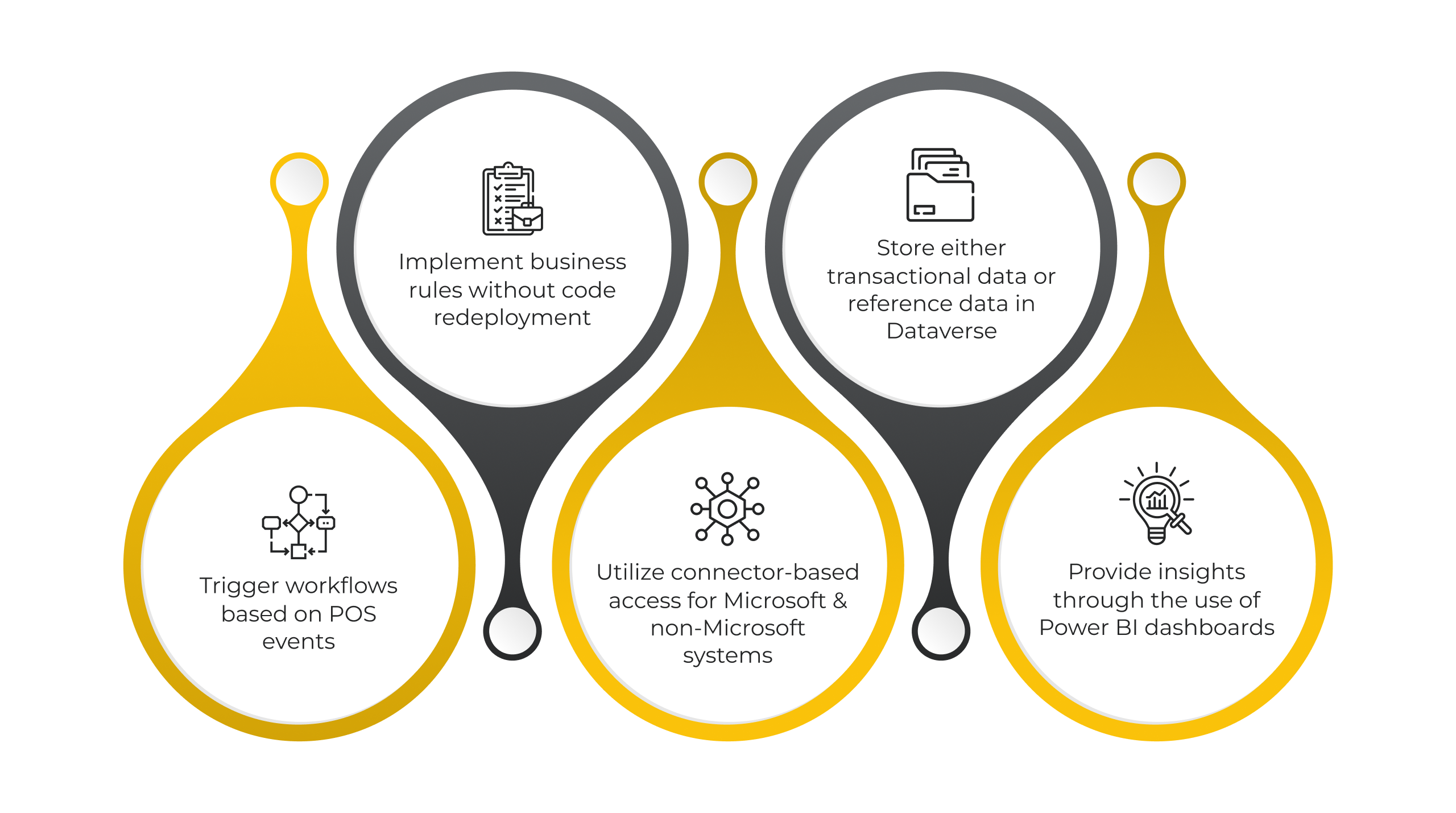
The strategic discipline is clear: use Power Platform for orchestration and business logic, but rely on a robust APIM layer for governance, security, and lifecycle management. When applied correctly, this combination enables resilient, scalable, and auditable POS integrations that keep pace with business growth.
You may also like: Power Pages in 2026: AI Portals Built for Enterprise Scale
What Does a Modern POS Integration Architecture Look Like?
A managed POS integration layer follows a clear, governed pattern:
POS System → Azure API Management → Power Platform → Backend Systems
1. POS System:
- Would send events like sales, refunds, or inventory updates
- Would call a secured REST API endpoint, which is exposed by APIM
2. Azure API Management:
- Would authenticate and would authorize the request
- Would apply throttling and would validate
- Would route the request to the respective backend
- Would transform the payloads if needed
3. Power Automate (or Azure Functions if required):
- Would execute business logic
- Would call ERP, CRM, or inventory systems
- Would handle retries and exceptions
- Would log outcomes for auditing
4. Dataverse / Other Systems:
- Would store transactional data
- Would enable reporting and analytics
This layered approach keeps responsibilities clear and systems loosely coupled, the architectural gold standard for high-volume, multi-location retail environments. Each layer can evolve independently, eliminating the cascading failure risk of point-to-point integrations.
Why This POS Integration Architecture Matters for Business Leaders
The Reference Architecture demonstrates more than system flow; it establishes control, visibility, and operational reliability across POS operations. Key business and technical outcomes include:
- Separation of responsibilities: POS handles transactions, APIM governs access, Power Platform orchestrates logic, and backend systems maintain authoritative data. This reduces operational risk and simplifies troubleshooting.
- Governed API layer: APIM enforces authentication, throttling, payload validation, and monitoring, preventing downstream failures from disrupting operations.
- Controlled workflow execution: Power Automate and Azure Functions manage retries, exception handling, and business rules independently from backends, ensuring continuous processing even during system updates.
- Data centralization and auditability: Dataverse stores transactional and reference data, enabling consistent reporting, auditing, and KPI tracking without manual intervention.
- Operational predictability under load: Layered architecture prevents cascading failures when multiple POS terminals or channels generate high event volume, maintaining uninterrupted transaction processing.
- Rapid adaptation to business changes: Modular API versioning and flow-based orchestration allow updates to pricing rules, loyalty logic, or promotions without downtime or backend modifications.
By framing the architecture this way, leaders gain technical confidence that POS integrations are governed, observable, and maintainable, rather than being hidden operational risks.
Real-World Use Cases
Below are some practical scenarios where this method is particularly advantageous:
Sales Transaction Sync:
A call to the API is triggered for every completed sale at the POS. While APIM secures the endpoint, Power Automate handles the transaction by posting it to the ERP system and updating the customer’s points in the CRM.
76% of customers expect consistent interactions across departments (Salesforce, State of the Connected Customer), yet 54% report that sales, service, and marketing feel disconnected. Additionally, 90% of customers expect consistent interactions across all channels and touchpoints (VWO / CX Today). These figures make reliable POS integration a direct customer experience and revenue driver.
Inventory Updates:
APIM receives stock-change notifications from multiple POS terminals, which are then aggregated, validated, and sent to the central inventory system without overwhelming it.
Using real-time data to track inventory improves stock accuracy by 35%, reducing errors and discrepancies in inventory counts. Furthermore, the use of IoT sensors and RFID tags has reduced stockouts by 31% across retail deployments. Real-time POS integration is a direct enabler of these accuracy gains.
Promotions and Pricing:
Inconsistent pricing or promotions between stores and channels can erode trust and reduce conversions. Through standardized APIs exposed by APIM, POS systems can call centralized pricing and promotions logic, whether stored in Dataverse or a backend pricing engine. This ensures consistent pricing rules in all stores and channels.
Customers who engage across multiple channels spend up to 70% more than those who shop exclusively through a single channel (McKinsey). Pricing consistency delivered through a governed APIM layer is a direct lever on this revenue multiplier.
Why Exposing Power Automate Directly Poses Risks
Directly exposing Power Automate HTTP triggers to POS systems may work for small projects, but at scale, it creates operational, security, and governance risks:
- Governance gaps: Hard to track usage, enforce policies, or meet audit requirements.
- Security exposure: Endpoints are vulnerable to attacks and data breaches.
- Lifecycle issues: Updates can break integrations without version control.
- Operational instability: High-volume flows may fail, causing transaction errors and inventory mismatches.
Using Azure API Management in front of Power Platform resolves each of these risks by providing centralized control, monitoring, versioning, and security, allowing flows to safely orchestrate business logic without direct exposure. This is not an optional enhancement for enterprise POS deployments; it is a governance requirement.
You may also like: Streamlining Microsoft Azure Identity and Security for Growth
Best Practices for Enterprise POS Integrations
1. Treat APIs as Products:
Define POS APIs with clear contracts, versioning, and documentation. This ensures predictable integration behavior, simplifies updates, and supports auditing and compliance.
2. Enforce Policies at the Gateway:
Leverage APIM to manage authentication, validation, throttling, and payload transformation. This reduces the risk of system failures and guarantees consistent business logic across all channels.
3. Optimize Power Platform Workflows:
Design modular, reusable flows for business logic. This allows rapid updates to promotions, pricing, or loyalty programs without disrupting operations.
4. Plan for High-Volume Events:
Anticipate transaction spikes from multiple POS terminals or peak business periods. Proper capacity planning prevents delays, data inconsistencies, and operational bottlenecks.
5. Implement Comprehensive Monitoring:
Track API usage, workflow execution, and system performance using Azure Monitor, Application Insights, and APIM analytics. This provides visibility into operational health enabling proactive resolution of issues.
With API integration projects growing 45% between 2023–2025, the number of integration touch points in a typical retail stack is increasing rapidly. A bi-annual API governance audit ensures that deprecated endpoints are retired, access controls are current, and the integration architecture remains aligned with business growth.
Implement a Governed POS Integration Layer
Partner with AlphaBOLD to deploy APIM and Power Platform, gaining centralized control while enabling business teams to update workflows without backend disruption.
Request a ConsultationFinal Word
Implementing Azure API Management alongside Power Platform establishes a controlled, observable, and adaptable POS integration layer. APIM ensures governance, security, and API lifecycle management, while Power Platform empowers business teams to execute workflows, apply business rules, and respond to operational changes without waiting for backend redeployments.
This layered approach allows organizations to:
- Maintain continuous operations even as APIs or backend systems evolve
- Achieve accurate and timely transaction processing, inventory updates, and customer engagement
- Gain real-time visibility into performance and operational health
- Adapt rapidly to business changes, from promotions to loyalty programs
POS integration is no longer just an IT concern. With customers spending up to 70% more across integrated channels and supply chain disruptions eroding revenue by 6–10% per incident, the architecture decisions made today directly determine whether your organization leads or lags in operational resilience and customer experience
FAQs
Azure API Management can be configured to enforce data residency and storage policies, while Power Platform and Dataverse ensure transactional data remains in compliant environments. This enables a single POS integration architecture to meet regulatory requirements without duplicating systems.
APIM supports zero-downtime updates with blue-green deployment and weighted routing. In-flight transactions continue on the current version, while Power Automate can queue or failover transactions, ensuring no lost sales and uninterrupted operations.
APIM can route requests to isolated Power Platform environments per location, while subscription keys and OAuth scopes enforce data separation. Each site can run custom business logic independently, with centralized governance, monitoring, and security across all locations.
Use APIM as a facade layer to run legacy and new systems in parallel. Gradually shift traffic to new backends with routing policies, while Power Platform ensures data consistency, enabling phased migration with rollback options and reduced business risk.
APIM’s rate limiting and throttling policies protect backend systems from being overwhelmed during peak periods. Combined with Power Automate’s ability to queue and process events asynchronously, the architecture absorbs transaction spikes without propagating load directly to downstream systems. For very high volume scenarios, Azure Service Bus can be introduced between APIM and Power Platform to provide durable message queuing and ensure zero message loss.
The architecture provides multi-layer observability: APIM Analytics tracks API call volume, error rates, latency, and geographic distribution. Azure Application Insights monitors Power Automate flow execution, exception rates, and performance. Azure Monitor provides unified alerting across all layers. Together, these enable proactive detection of integration anomalies before they affect store operations or customer experience.
Implementation timelines vary based on the number of POS systems, downstream integrations, and existing Azure infrastructure. A baseline APIM and Power Platform integration layer for a single POS vendor connecting to ERP and CRM can typically be delivered in 8–12 weeks. Multi-vendor, multi-region deployments with complex business logic generally require 16–24 weeks. AlphaBOLD typically begins with a technical assessment to produce a validated implementation roadmap before committing to timelines.
Yes. APIM is protocol-agnostic and supports REST, SOAP, WebSocket, and GraphQL APIs regardless of the originating system. Power Platform’s 1,000+ connectors cover a wide range of non-Microsoft backends including Salesforce, SAP, Oracle, and custom REST APIs. For systems without native connectors, custom connectors can be built using OpenAPI definitions. This makes the architecture viable for organizations running diverse or legacy POS environments alongside modern cloud backends.